Ads Manager won’t scare you anymore.
AD STUDIO
Your Meta ads manager for the price of one month of a freelancer… or less.
Or get it free as part of the AI Team.
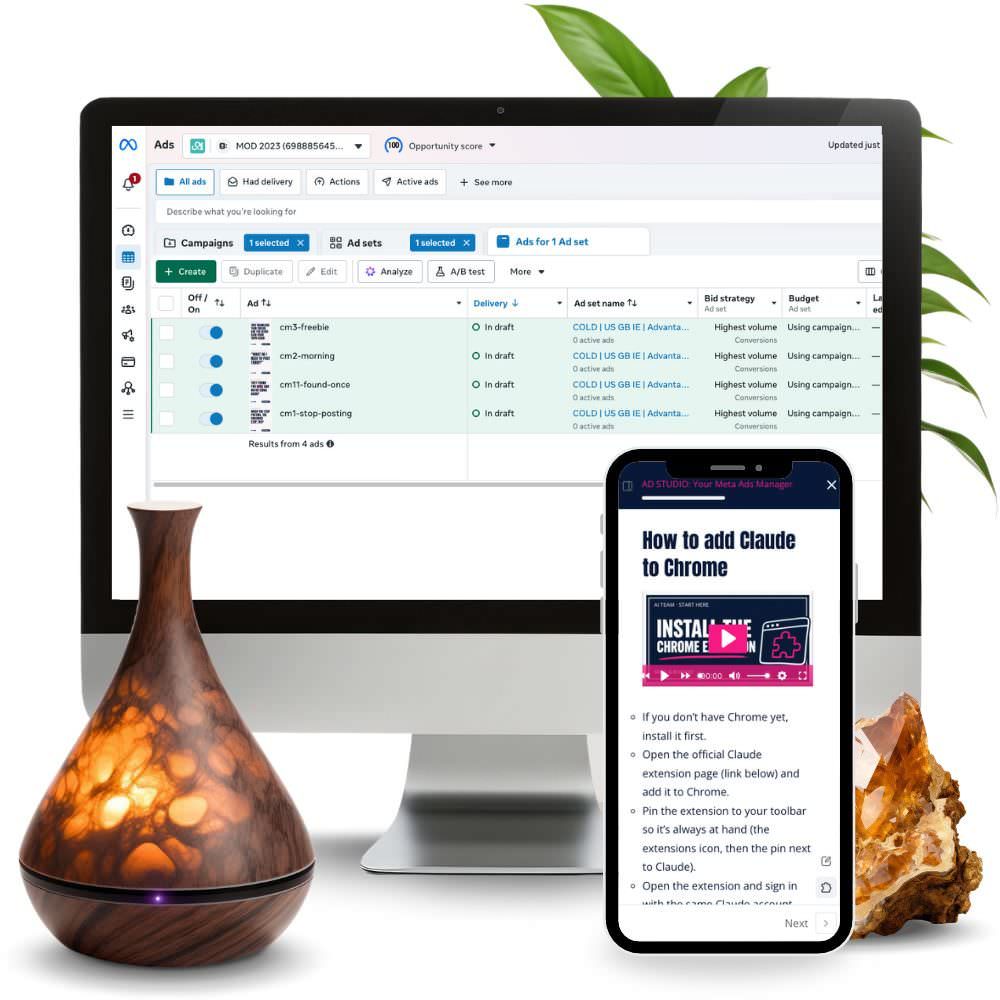
You open Ads Manager and close it again straight away.
Too many objectives, audiences and settings, and nowhere does it say what’s right for your business. And when you do sit down to create an ad, you end up staring at an empty field, because you don’t know what to write so it doesn’t sound like an ad everyone scrolls past.
And if you do manage to publish something, the next worry comes: the stats. You don’t have time to check them every day, and honestly, you don’t even understand half the numbers.
You’ve probably already tried some of this…
→ You clicked “boost” on a post and got a few likes, but no clients.
→ You watched Ads Manager video tutorials that were out of date before you even finished them.
→ You asked an agency or a freelancer for a quote and realised you’d pay more for management than for the ads themselves.
The problem isn’t that ads don’t work for you…
…it’s that an ad starts long before Ads Manager.
It starts with what’s actually working in your category right now, with the words your clients use to describe their own problem, and with the proof you already have.
Once you have that, setting up the campaign is just the last step.

And because I know this can be a real pain for a lot of people, I created an AI ads manager for you…
A good ad takes research, copy, visuals, checks and settings, and every one of these steps has to be done again for each campaign.
So I built AD STUDIO for my own AI team: an assistant that walks me through every step, from research to report, while I approve and decide.

Let me introduce…
↓
AD STUDIO
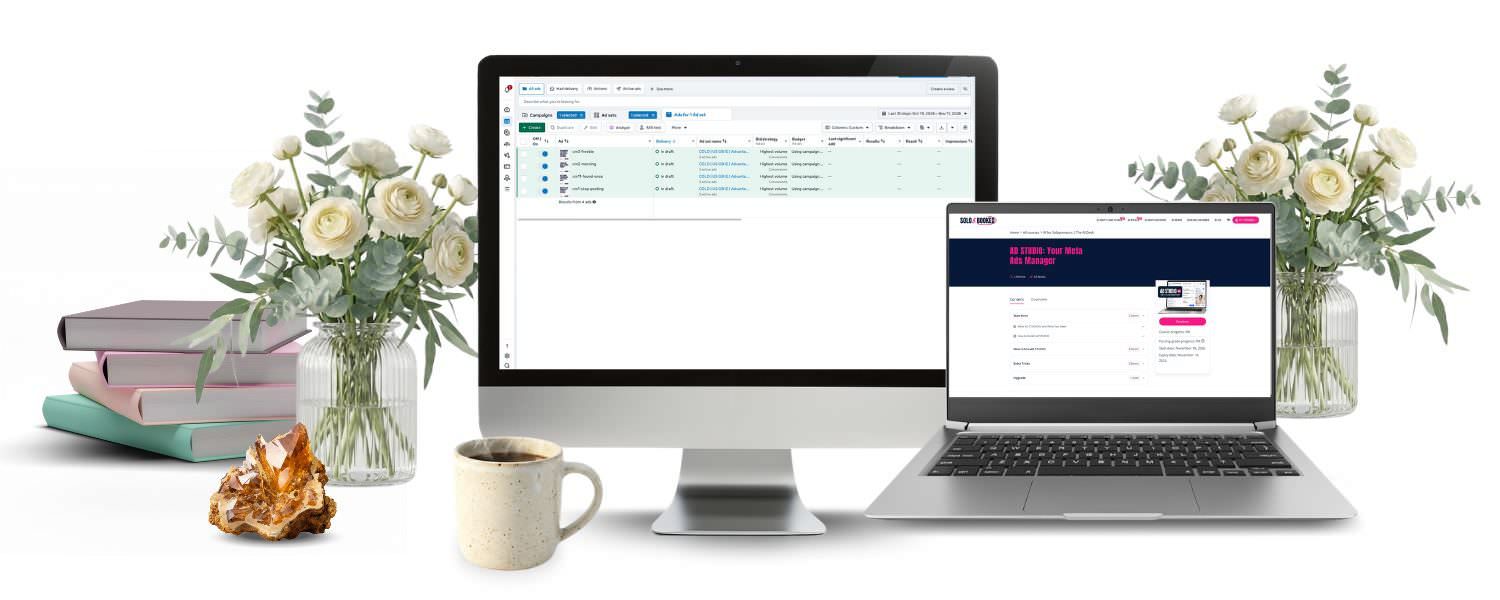
Your Meta ads manager in the Claude app.
It’s “plug and play”, which means you install it, type “set up my ads manager”, choose your language and country, and it guides you from there with a few questions. It researches what’s working in your category right now, writes ads in your clients’ words, designs them in your brand style, checks that Meta won’t reject them, and tells you every week what to do with your existing ads. It prepares the campaign with you, and you’re always the one who switches it on.

From idea to ad in three steps
1. Research
First it researches the market and what’s working in your category right now.
2. Copy and design
It prepares 10 ads in your clients’ words, plus graphics in your brand style.
3. Checks and campaign
If you like, it sets up the whole campaign with all the ads in Ads Manager, so you just review it, ask for changes and approve it.
Why AD STUDIO isn’t just another ad generator 👀
It writes in your clients’ words
And with real testimonials. It never makes up a testimonial, a number or a result. It only uses private praise in an ad once the client agrees, and it writes the consent request for you.
It knows the rules
It checks your ad against Meta’s rules and the rules of your industry and country. It has ready-made rules for Slovenia, the EU, the US and the UK, and for other countries it researches them during setup and cites its sources. It checks your landing page too. It’s not a legal advisor, but it’s a wonderful helper.
It spends nothing without you
It prepares campaigns as drafts, the budget never goes over the limit you set, and it only switches them on after your explicit approval. It never enters passwords or payment details, never sends messages and never publishes anything on its own.
You pay once
Once you have the assistant, that’s it, you just use it, and if I upgrade it, you get all the updates too.
You get an AI assistant that…
Step 1: Research
So you’re not guessing: which formats are getting results right now, which ads in your category have been running for a long time in Meta’s Ad Library, what your competitors are doing and which of your posts are worth turning into an ad.
Step 2: Writing ads
So you’re not staring at an empty field: 10 ads in your clients’ words, following the recipe hook, problem, solution, proof, offer.
Step 3: Design
So your ads look like your brand on every device: visuals in your brand style in 4:5 for posts and 9:16 for Stories and Reels, and 1:1 if you like, in Canva or as images. For Reels it also writes a script.
Ad checks and campaign setup
Checks, so you avoid rejections and promises you shouldn’t be making. It also helps when an ad has already been rejected.
Campaign setup, so you know what you’re setting up: objective, audiences by “temperature”, budget, UTM links and a testing plan. It prepares the campaign as a draft.
Report and dashboard
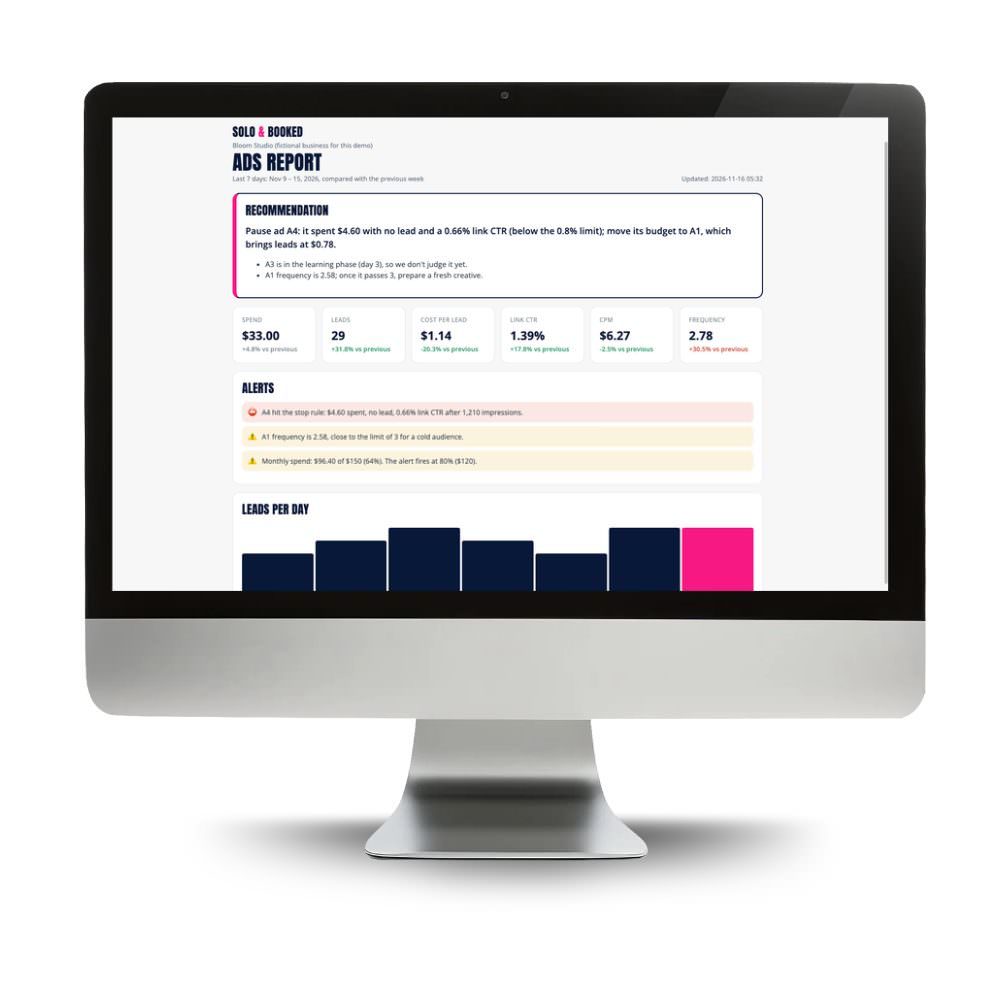
So you don’t have to check the stats every day: key numbers, trend, best and worst ad, alerts and one clear recommendation.
Testimonial bank, ad library and comments
So every campaign learns from the last one: which ads worked and which didn’t, plus draft replies to comments under your ads in your voice.
It works in two ways: with the AI TEAM, it reads your brand, offers, brand style and client voice from the Brain. On its own, it builds a mini Brain with four basic files, which it fills mostly from your website and profiles.
Step-by-step video course
- Start here: what AD STUDIO is, what you need and how to install it,
- How to use AD STUDIO: research, writing, design, checks, campaign, report, testimonial bank, ad library and comments,
- Extra tricks: test posts that already work first, test one element at a time, turn private praise into an ad, what to do when Meta rejects an ad, comments as the client’s voice, a Reels ad with Videomat.
What advertising with AD STUDIO looks like
… you open Ads Manager without a knot in your stomach, because you know what you’re setting up and why (or you leave the technical bits to it entirely).
… you don’t start with a blank page, but with research and ten ads to choose from.
… your ads sound like you and your clients, not like an ad everyone scrolls past.
… you don’t check the stats every day. The report translates them into one recommendation.
… you make every decision, but never alone.
Who AD STUDIO is for 👍
- for business owners with services or products who want to start with Meta ads or take them seriously on their own,
- for those who’ve tried boosting or got stuck at Ads Manager,
- for those with a paid Claude plan and the Chrome browser (free).
Who it’s not for 👎
- those who want someone to run their ads completely for them: AD STUDIO works with you,
- those without an ad budget,
- those looking for legal advice: the rules are a summary of public sources, not legal advice.
How much does it cost to have someone else run your ads?
According to public price lists for 2026:
| Freelance Meta ads manager | $500 to $1,500 a month or $15 to $40 an hour, often on top of the ad budget |
| AI tool for ad visuals | from $39 a month, every month |
| AD STUDIO | €97, one-time payment |
I won’t even charge you the price of one month of a freelancer.
AD STUDIO’s regular price is €147, but right now you can get it for €97. You pay once and it’s yours.
BONUS: upgrade code for the AI TEAM
AD STUDIO buyers also get an upgrade code for the AI TEAM in the course, which deducts the full price of AD STUDIO from the AI TEAM. If you decide on the whole team of assistants later, you haven’t lost a thing.
Before you buy, please check you have everything you need
- A paid Claude subscription (Pro or higher). The subscription isn’t included in the price.
- The Claude app on your computer and a folder for it to work in (your AI TEAM folder, or an empty folder if you use it on its own).
- Chrome with the Claude extension, so it can read your website, messages and Ads Manager. You always log in and pay yourself.
- A Meta Business account and an ad account, if you want help with campaigns too. If you don’t have them yet, it walks you through the setup step by step.
- An ad budget you pay to Meta, which isn’t included in the price. You set the budget limit yourself.
- 45 to 75 minutes for the first setup, which you can split into several sessions.
The rules AD STUDIO follows are a summary of public sources on the day of the research and are not legal advice. You are responsible for your own ads.
What happens after you buy?
1. You fill in the order and pay.
2. You get access to the AD STUDIO course.
3. You check you have everything you need.
In the first lesson you check the requirements, and in the second I show you the installation.
4. You type “set up my ads manager”.
You choose your language and country, and AD STUDIO walks you through the setup (45 to 75 minutes, can be split into several sessions).
5. You start with step 1, research, or simply type “prepare a new campaign for my XY offer”
You need: the Claude app with a paid subscription (Pro or higher) and Chrome with the Claude extension.
You’re not on your own
If anything gets stuck during setup or use, email me at [email protected] and we’ll find a solution together.

To sum up, the AD STUDIO package includes:
- the AD STUDIO plugin for the Claude app,
- a step-by-step video course,
- email support.
Regular price €147, now €97. You pay once.
Got a question? Here are answers to the most common ones:
Does it really work right away?
Yes, AD STUDIO is plug and play. After installation you type “set up my ads manager” and it walks you through the setup, which takes 45 to 75 minutes and can be split into several sessions.
Do I need a paid Claude plan?
Yes. AD STUDIO is a plugin for the Claude app and doesn’t work with a free account. You need a Pro plan or higher.
Is the ad budget included?
No. You pay for ads directly to Meta. AD STUDIO never goes over the limit you set.
Will AD STUDIO spend my money on its own?
No. It prepares campaigns paused and only switches them on if you explicitly ask it to and confirm the summary. Or you can switch them on yourself.
I’ve never run ads before. Is this for me?
Yes. AD STUDIO walks you through everything step by step, including setting up your Meta Business account, pixel and ad account.
I don’t have time for stats. Will I still know what to do?
Yes. The report shows you the key numbers and ends with one clear recommendation.
Does it work in other countries and languages?
Yes. It works in English and other languages. It has ready-made rules for the US, the UK, the EU and Slovenia, and for other countries it researches them during setup.
Do I need the AI TEAM?
No. AD STUDIO also works on its own. With the AI TEAM, it reads your brand, offers and client voice from the Brain.
I already have the AI TEAM. Do I need AD STUDIO?
No, AD STUDIO is already included in the AI TEAM.
What if I decide on the AI TEAM later?
In the course you get a code that deducts the price of AD STUDIO from the AI TEAM.
Ads that sound like you. The decisions stay yours.
AD STUDIO is an independent Solo & Booked product and is not affiliated with Anthropic (Claude) or Meta. Claude subscriptions and the ad budget are not included in the price.
