IN THIS EPISODE …
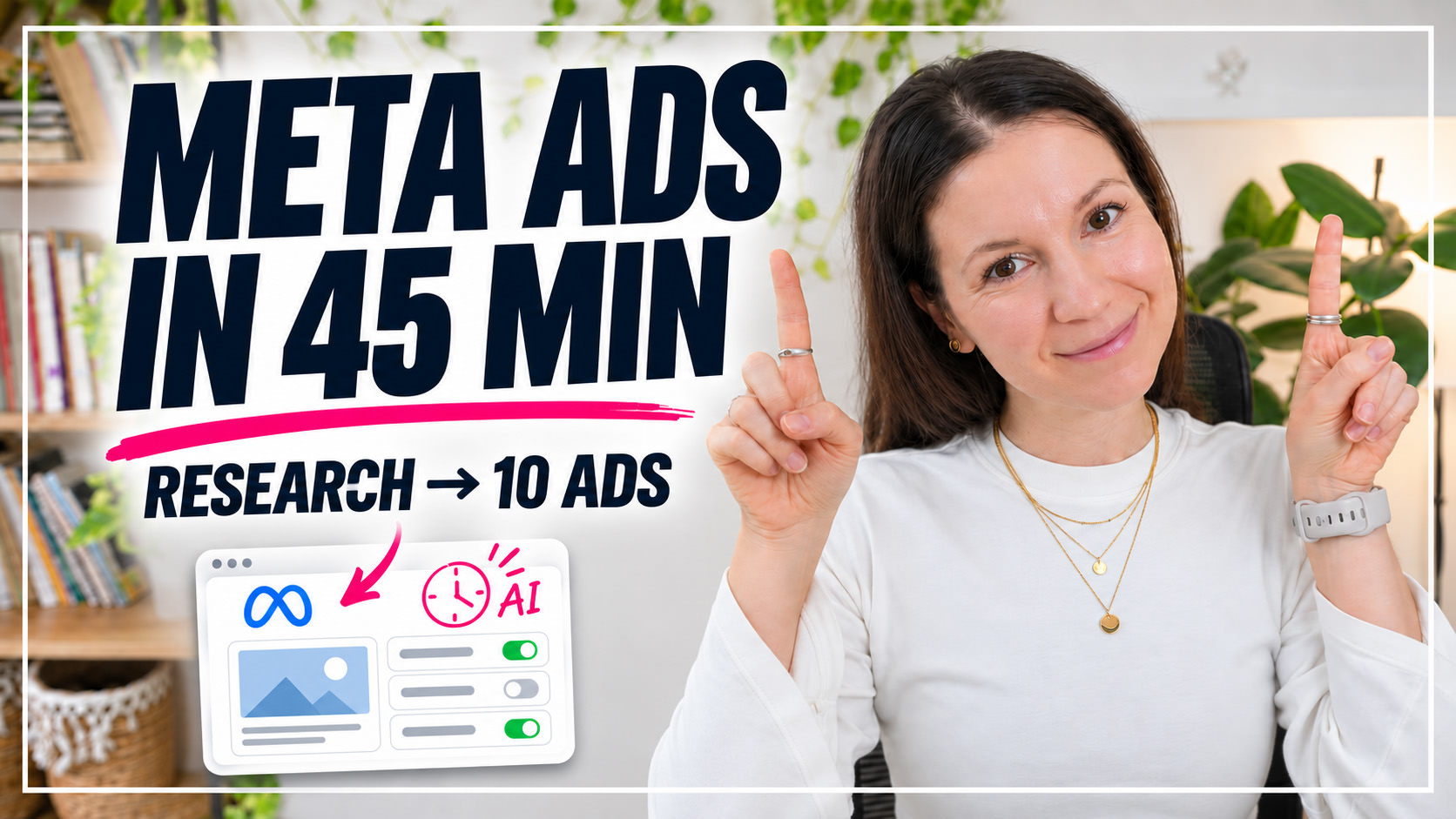
I show you how I create a full Meta ad campaign with Claude and my AI ads assistant: the brief I give, how it researches, writes 10 ads and checks the rules, and how the whole campaign lands in Ads Manager for my review.
// LINKS MENTIONED ⇩
- AD STUDIO: the AI Meta ads assistant I use in this video
- AI Team: the program where you set up your own team of specialized AI assistants
- Client Machine: my step-by-step program for building a freebie, an email sequence and an offer
- How I Built an AI Team That Saves Me 7+ Hours a Week (article and video)
YOUR AI ADS MANAGER
Get AD STUDIO
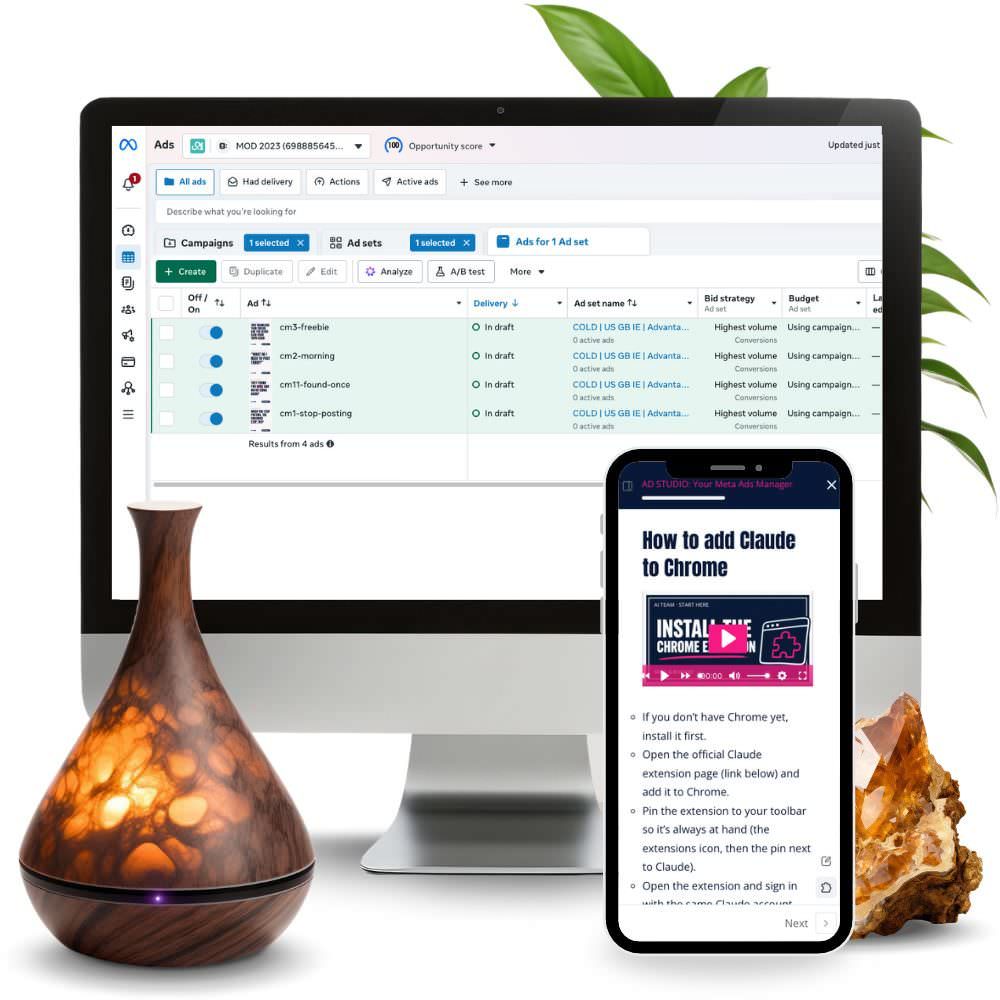
Research, 10 ads in your clients’ words, visuals in your brand style and a campaign ready in Ads Manager. You review everything and switch it on yourself.
GET HOURS BACK
Build your AI Team
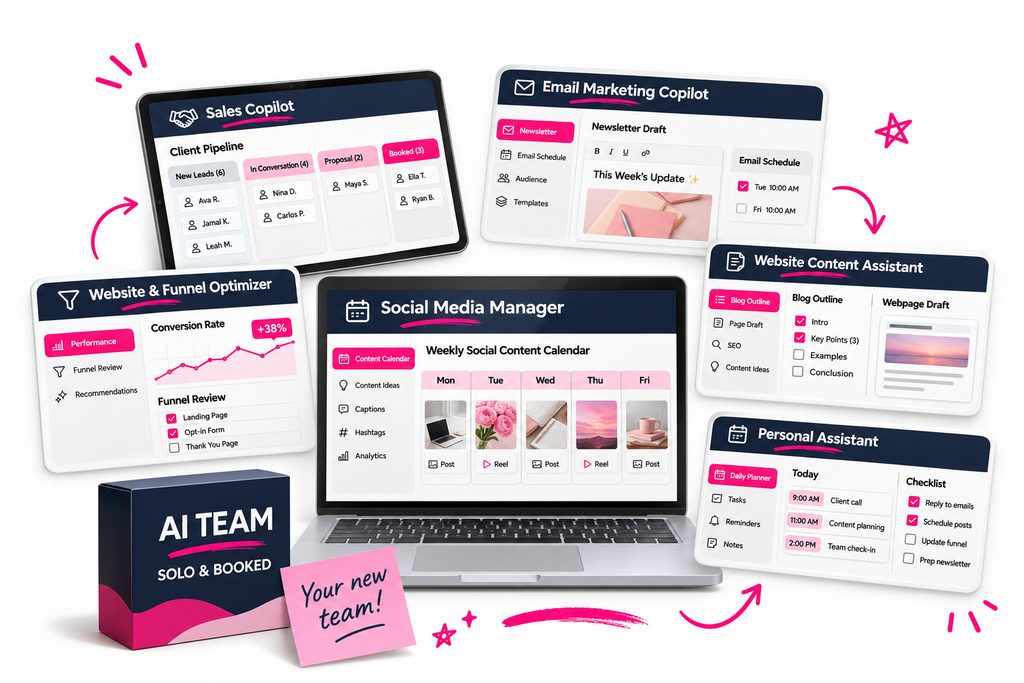
Set up AI assistants that know your business and help you with everyday tasks like drafting emails, planning content and improving your website.
PREFER TO READ?↓
How to Create Meta Ads with Claude: A Real Campaign, Step by Step
To create Meta ads with Claude, I give my AI ads assistant, AD STUDIO, a short brief: what I’m promoting, which brand style to use and which audience the campaign is for. It researches, writes 10 ads, checks them against the rules, designs the visuals in my brand style and sets up the campaign in Meta Ads Manager. Before anything goes live, I review every ad myself.
Below I’ll show you the real campaign I prepared this way, a Black Friday campaign for my AI Team program: the brief I gave, what the assistant did with it, and what I still check myself.
Why ads are hard to keep up with when you work solo
If you run your business on your own, you probably don’t have much time to spend on ads. A new campaign means research, copy, images for different placements, the right settings in Ads Manager and then checking it all. I’m one of those people too, which is why I built an assistant for my own AI team that prepares the whole campaign with me, including the text and images in Ads Manager.
The brief I gave my AI ads assistant
In the Claude app, I open my AD STUDIO project and give it an instruction like this one:
“Create a Black Friday campaign for my AI Team, in my Solo & Booked style, for a warm audience only, not cold.”
I also add my AI team folder, so the assistant has access to my brand, my offers and my brand style. Then I send the message.
Right after that I remembered I hadn’t given it any images. So I sent it the images it can use in the ads, like mockups of the program and photos of me. If you have your own photos and mockups ready, add them at the start.
What the assistant does with that brief
- Research. It looks at the sales page of the offer, my brand style and what’s currently working (and not working) in ads.
- 10 ads. It writes ten Black Friday ads, in English in my case.
- A rules check. It checks every ad against my own rules, the rules of my industry and Meta’s special rules.
- Design. It designs the ads in my brand style, including versions for Stories.
- A campaign setup plan. It prepares a plan for how the campaign should be set up in Ads Manager.
Why the rules check matters
This step is easy to skip when you write ads yourself. Some industries have extra limits on what you can say. For example, coaches and healers can’t use words that promise people they will be healed. If you have personal rules for your ads, the assistant uses those too, together with the rules for your industry and Meta’s special rules.
Getting the campaign into Meta Ads Manager
Once all the ads and images were ready, I could ask the assistant to simply hand me the finished ads. What I prefer is to let it build the whole campaign in Ads Manager, so I only have to review it there.
There were a few steps where it needed me. It asked me to upload the images in Ads Manager, so I uploaded everything it needed and told it the images were in. And because this was a completely new ad account, a few small settings still needed my input. Those were quick.
When it finished, the whole campaign with all its ads was prepared in Meta Ads Manager, ready for my review.
What I check before I publish
Before I click publish, I go through all the text and make sure all the images look right. If I don’t like something, I either edit it myself or tell the assistant to change it.
AD STUDIO prepares campaigns as drafts and only switches them on after your explicit approval. It never enters passwords or payment details, and the budget never goes over the limit you set. You always stay the one who decides.
How much of my time it took
Preparing this campaign still took a while. But most of that time wasn’t my work: I gave the brief, added a few images, uploaded them when asked and then reviewed the result. For a task like a full campaign, that’s a real time saver for me.
What you need to create Meta ads with Claude this way
- a paid Claude plan (Pro or higher),
- the Claude app on your computer and a folder for it to work in (your AI Team folder, or an empty folder if you use AD STUDIO on its own),
- Chrome with the Claude extension, so it can read your website and Ads Manager (you always log in and pay yourself),
- a Meta Business account and an ad account (if you don’t have them yet, it walks you through the setup),
- an ad budget, which you pay to Meta and set the limit for yourself.
The first setup of AD STUDIO takes 45 to 75 minutes, and you can split it into several sessions.
Who this approach is for
It’s a good fit if you have a service or product and want to start with Meta ads, or if you tried boosting posts and got stuck in Ads Manager. It’s not for you if you want someone to run your ads completely for you. AD STUDIO works with you, and the decisions stay yours. It also doesn’t give legal advice: the rules it follows are a summary of public sources.
Where to get this assistant
The assistant I used in this video is AD STUDIO. You can get it on its own, or as part of my AI Team program, together with other assistants for your solo business. If you don’t have a big team, that’s exactly the situation I built it for.
If you’d like to see what the rest of my team does, read how I built an AI team that saves me 7+ hours a week.
FAQ
Can Claude create Meta ads?
Yes. With an assistant like AD STUDIO in the Claude app, Claude can research, write and design Meta ads and set up the campaign in Ads Manager. You review everything and switch the campaign on yourself.
How do I connect Claude to Meta Ads Manager?
AD STUDIO works through Chrome with the Claude extension, so it can work in Ads Manager in your browser. You log in yourself; it never enters passwords or payment details.
Will an AI assistant spend my ad budget on its own?
Not with AD STUDIO. It prepares campaigns as drafts, keeps the budget within the limit you set and only switches a campaign on after your explicit approval.
Do I need experience with Meta ads?
No. AD STUDIO is made for business owners who want to start with Meta ads or take them seriously on their own. It guides you through each step, from research to campaign setup.




Leave a Reply