IN THIS EPISODE …
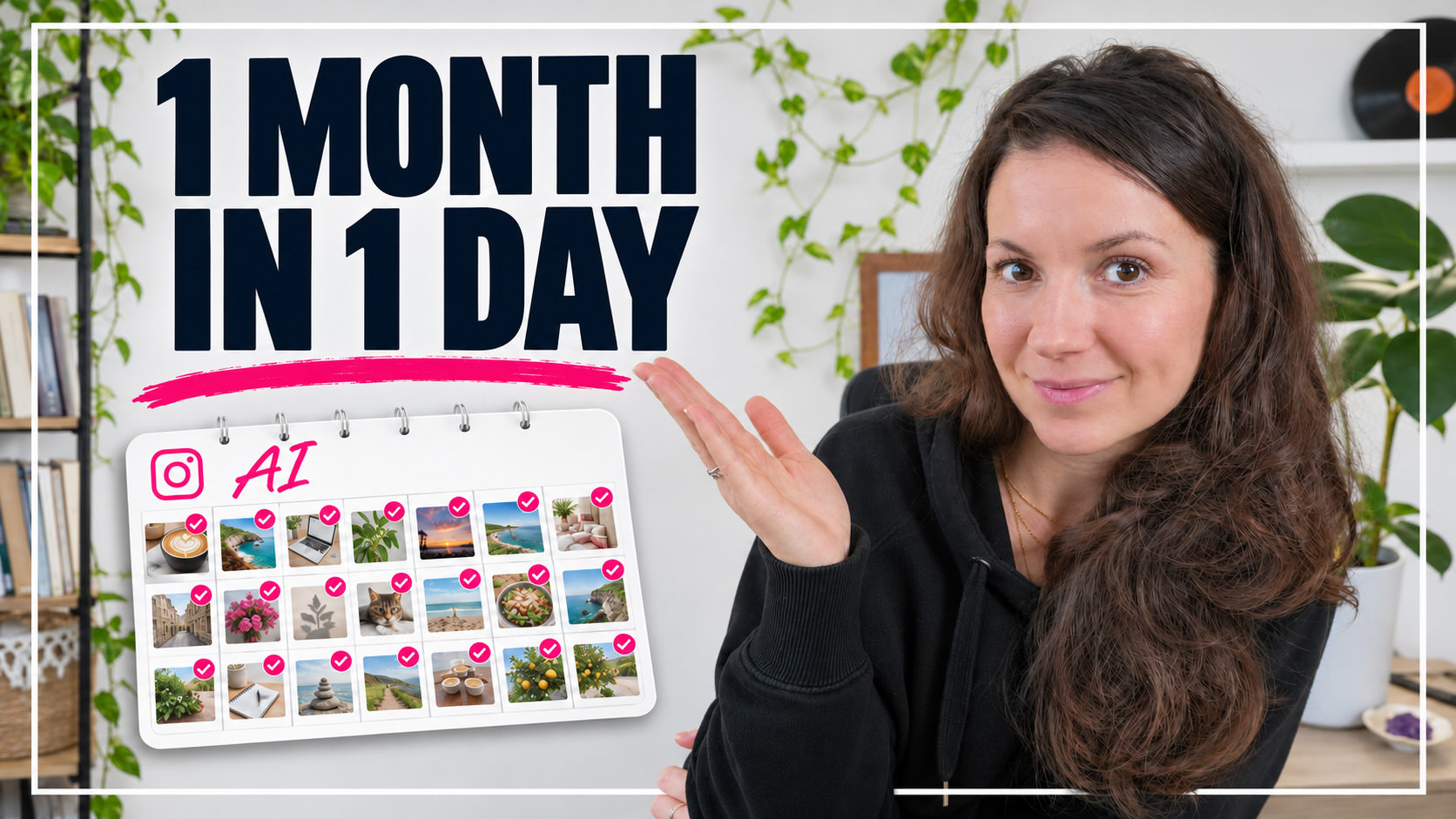
I show you how I plan and schedule a month of Instagram content in one day: the audit my AI assistant prepares the day before, the bank of posts I reuse, how my best emails turn into posts and what the planning day itself looks like.
// LINKS MENTIONED ⇩
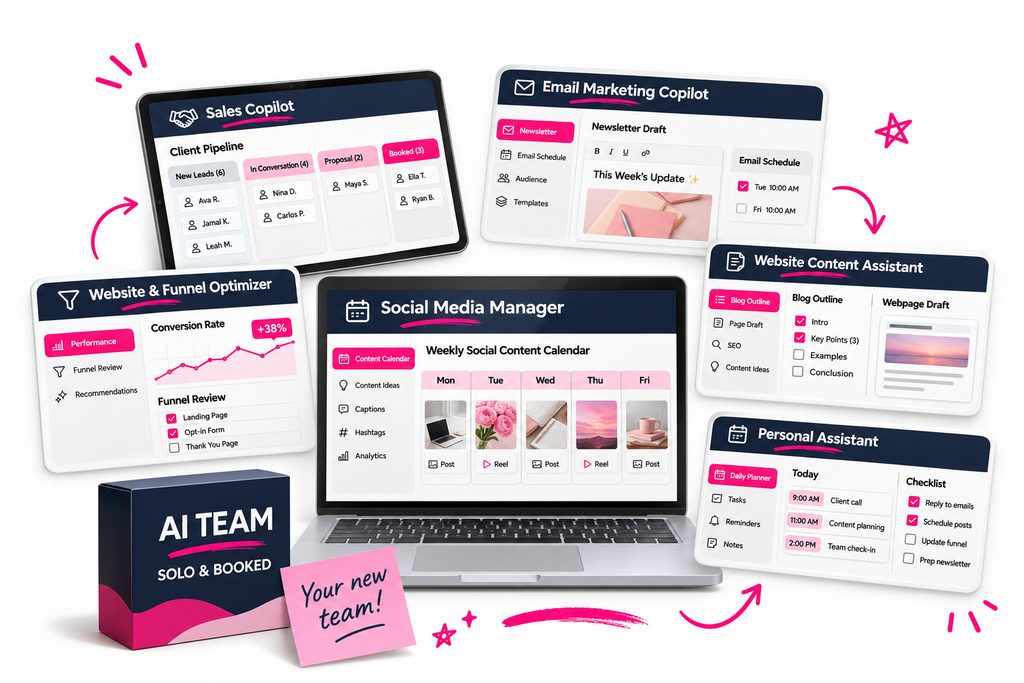
- AI Team: the program where you set up your own team of specialized AI assistants
- Client Machine: my step-by-step program for building a freebie, an email sequence and an offer
- How I Built an AI Team That Saves Me 7+ Hours a Week (article and video)
GET HOURS BACK
Build your AI Team
Set up AI assistants that know your business and help you with everyday tasks like drafting emails, planning content and improving your website.
PREFER TO READ?↓
How to Plan a Month of Instagram Content in One Day (My AI Workflow)
To plan a month of Instagram content in one day, I never start with a blank page. The day before, my AI assistant audits last month’s posts, picks 10 that are worth reusing and checks my best emails for ideas. On the planning day I decide on four posts a week, edit the drafts, prepare the visuals and schedule everything. It takes me about six to eight hours, once a month.
This is how I plan content for my Slovenian Instagram, where I run my business on my own. Below is the whole process, step by step, including the parts I hand over to AI and the parts I keep for myself.
Why I stopped creating posts day by day
For a long time I didn’t enjoy making posts. Some days I just didn’t feel like it, and some days it was a small torture: I would sit down, stare at the screen and try to come up with something to say.
So I changed the way I work. Now I take one day a month, usually a Friday near the end of the month, and I plan and schedule everything for the next month in one go.
Step 1: Start with an honest audit of last month
Everything starts the day before, and I don’t do this part by myself. I have a scheduled task in Claude that runs once a month and gives me an honest audit of my Instagram profile. It goes through my recent posts and looks at the formats, the hooks, the topics and the numbers. Then it tells me:
- which posts did better than average and what they have in common
- which posts flopped
- which hooks worked
- whether my calls to action are clear
- whether someone who visits my profile understands within a minute what I do and what I sell
It also compares everything with the previous month, so I can see what got better and what still isn’t working.
It’s not always nice to read. I ask it to be brutally honest, which is probably why. But this is exactly what I need before I plan anything for the next month.
Step 2: Keep a caption bank and reuse your best posts
The second thing my assistant does is update my caption bank. You could also call it an idea bank or a post bank. It’s a simple Google Sheet where every post I publish goes in with:
- the hook
- the full caption
- the type of post
- the topic
- the performance
- the link to the post
From that sheet, it gives me a list of 10 posts that are worth using again. These are posts that did really well and where enough time has passed since I last published them. I keep at least 14 days between a post and its repost. Then I either repost it as it is or use the same idea in a different format.
This was a big change for me. I used to think every post had to be completely new, but most of my followers never saw my best posts. One carousel from February had more than 5,000 views. Why would I let something like that disappear after one day?
Step 3: Turn your best emails into posts
There’s one more source I love: my newsletter. My assistant goes through the emails I sent in the last 30 days. For every email with an open rate above 20%, it checks whether the content would work as a post.
So the emails people actually open become ideas for my Instagram. I already wrote them once, so why not use them again? The 20% line is what I use for my own list. If you copy this step, pick the number that separates your better emails from the rest.
Step 4: The planning day
When the actual day comes, I already have the audit, the list of posts to reuse and the ideas from my emails. I plan four posts per week. Some are reposts of my best posts, some come from emails and some are completely new.
Then my AI social media manager writes the first drafts in my voice. It can do that because it works from my AI team’s Brain, the shared description of my brand, my tone and the way I work. I read everything, change what I want and add my own stories. After that I prepare the visuals and schedule everything in Adobe Express. If I’m totally honest, I use AI to help with the scheduling too.
Here is how the work is split:
| Task | Who does it |
|---|---|
| Monthly audit of my profile | AI (a scheduled task in Claude) |
| Updating the caption bank and picking 10 posts to reuse | AI |
| Checking my emails for post ideas | AI |
| Deciding on the four posts per week | Me |
| First drafts of the captions | AI social media manager |
| Editing and adding my own stories | Me |
| Visuals | Me, in Adobe Express |
| Scheduling | Me, with help from AI |
And that’s pretty much it for the next month. I don’t have to think about what to post.
What changed when I started planning Instagram content once a month
Three things changed for me:
- I have much more time. Creating content is no longer a daily task.
- I’m more creative. I’m not forcing myself to come up with something every single day.
- I enjoy it. I really look forward to the one day when I plan all the content.
My Slovenian Instagram also gets noticeably more views than when I was posting day by day without a plan. One reel from January got almost 10,000 views, which is a lot for my small profile. These are my results on one profile, so take them as an example of what a plan can do. Your numbers will depend on your audience and your content.
Can you plan a month of Instagram content without AI?
Yes. The order of the steps stays the same: review last month, pick the posts worth reusing, look through your best emails, then plan and schedule. AI prepares the first three for me, so on the planning day I only decide, edit and schedule. Without it you need more time for the review, but you still avoid starting each day from zero.
This whole process is just one of the things my AI team does for me. If you’d like to set up assistants like this for your own business, have a look at AI Team. And if you want to see the whole team and what each assistant does, read how I built an AI team that saves me 7+ hours a week.
FAQ
How many Instagram posts should I plan for a month?
I plan four posts a week, so 16 to 18 posts a month. That’s the rhythm that works for my business. Choose a number you can keep up with every month.
Is it OK to repost old Instagram posts?
In my experience, yes. Most of your followers never saw your best posts the first time. I keep at least 14 days between a post and its repost, and sometimes I reuse the idea in a different format.
How long does it take to plan a month of Instagram content?
It takes me about six to eight hours, one day a month. That includes planning, editing the drafts, preparing the visuals and scheduling. The audit and the list of ideas are ready the day before.
Can AI plan my Instagram content for me?
AI can prepare a lot: the audit of last month, the list of posts to reuse, ideas from your emails and the first drafts. I still decide what gets posted, edit every caption and add my own stories.
What do you use to schedule Instagram posts?
I prepare the visuals and schedule the posts in Adobe Express.



Leave a Reply